Turn a script into a finished film.
Keng Studio is a production-grade desktop app for AI film and anime creators. Five connected modules handle the full pipeline — from script parsing to multi-shot narrative video — with batch processing, character consistency, and cinematic control built in.
Modules



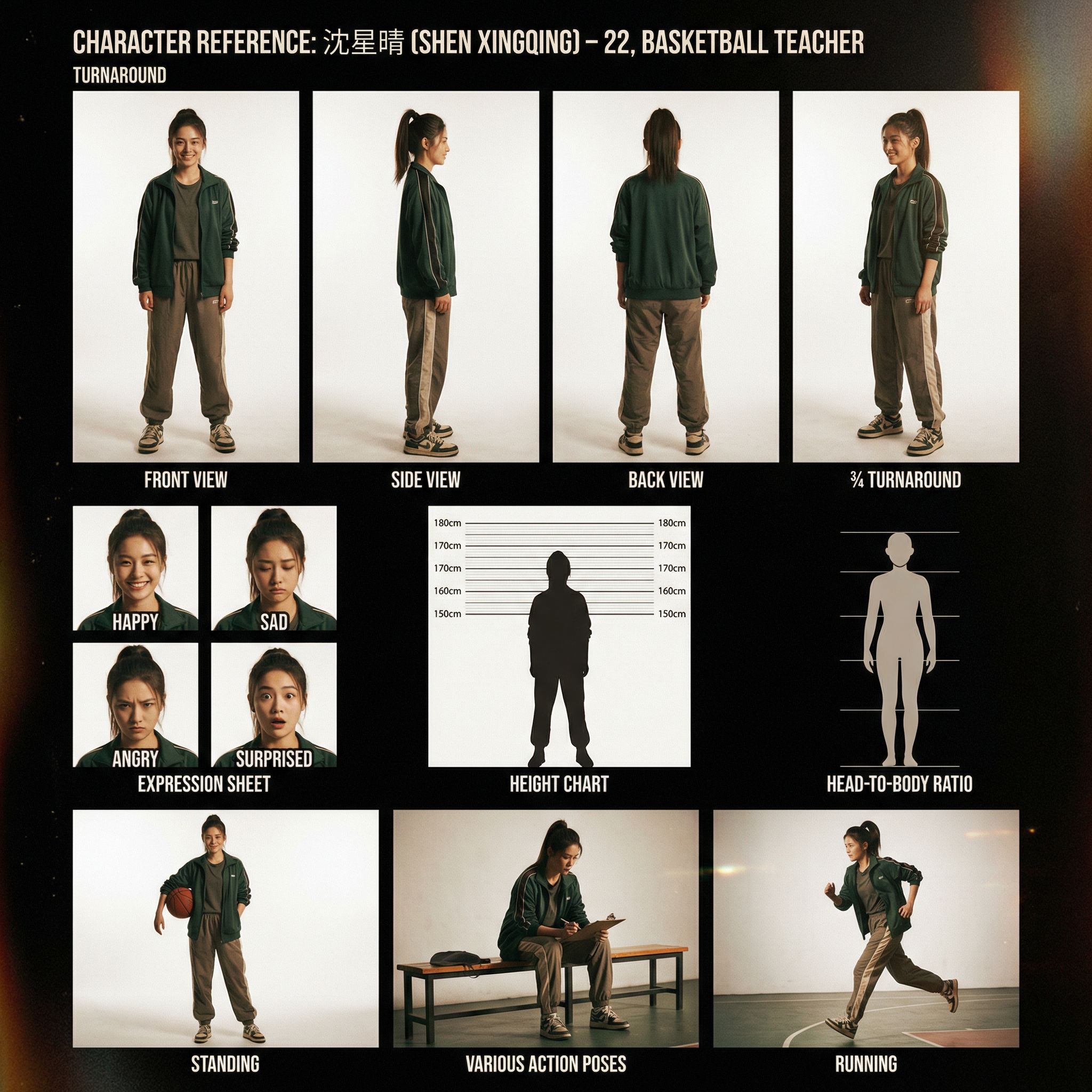
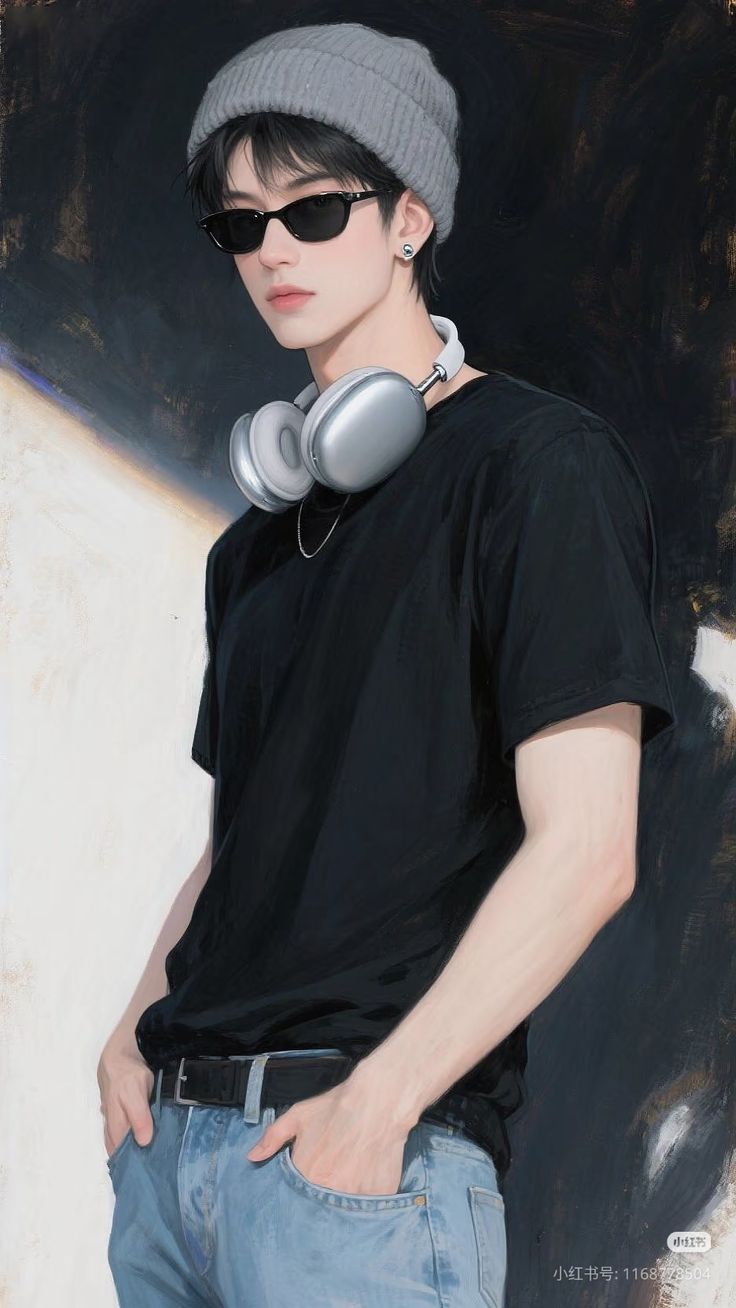

S-Class · Video Generation
Prompt
Character Refs
Scene
Batch Queue
Features
Every stage of the pipeline, in one app.
Eight production-grade modules designed for short drama, anime, and trailer creators who ship at scale.
S-Class · Video Generation
Multi-shot merged narrative video generation. Group storyboard scenes into coherent videos with @Image / @Video / @Audio multimodal references.
Script Parsing Engine
Intelligently breaks scripts into scenes, storyboards, and dialogue. Auto-detects characters, locations, emotions, and camera language.
Character Consistency
6-layer identity anchoring keeps characters consistent across every shot. Character Bible + reference image binding.
Scene Generation
Multi-viewpoint joint image generation. Auto-converts scene descriptions into visual prompts ready for any provider.
Professional Storyboard
Cinematic camera parameters — shot size, angle, movement. One-click visual style switching: 2D, 3D, realistic, stop-motion.
Batch Production
One-click full pipeline: script → characters → scenes → storyboard → images → videos. Multi-task parallel queue with auto-retry.
Multi-Provider AI
Supports multiple image/video providers. API key rotation with load balancing and a task queue that keeps jobs flowing.
Smart Prompt Builder
Automatic 3-layer fusion — action + cinematography + dialogue lip-sync. First-frame grid stitching with N×N strategy.
Pipeline
One flow. Five connected stages.
Each stage's output automatically flows into the next — no manual glue required. Run the entire pipeline with one click, or iterate at any step.
Script
Parse scenes & dialogue
Characters
6-layer identity anchor
Scenes
Multi-view generation
Director
Storyboard + camera
S-Class
S-Class video generation
Script
Parse scenes & dialogue
Characters
6-layer identity anchor
Scenes
Multi-view generation
Director
Storyboard + camera
S-Class
S-Class video generation
See it in action
A walkthrough of every module.
Swipe through the pipeline to see how Keng Studio transforms ideas into reality.
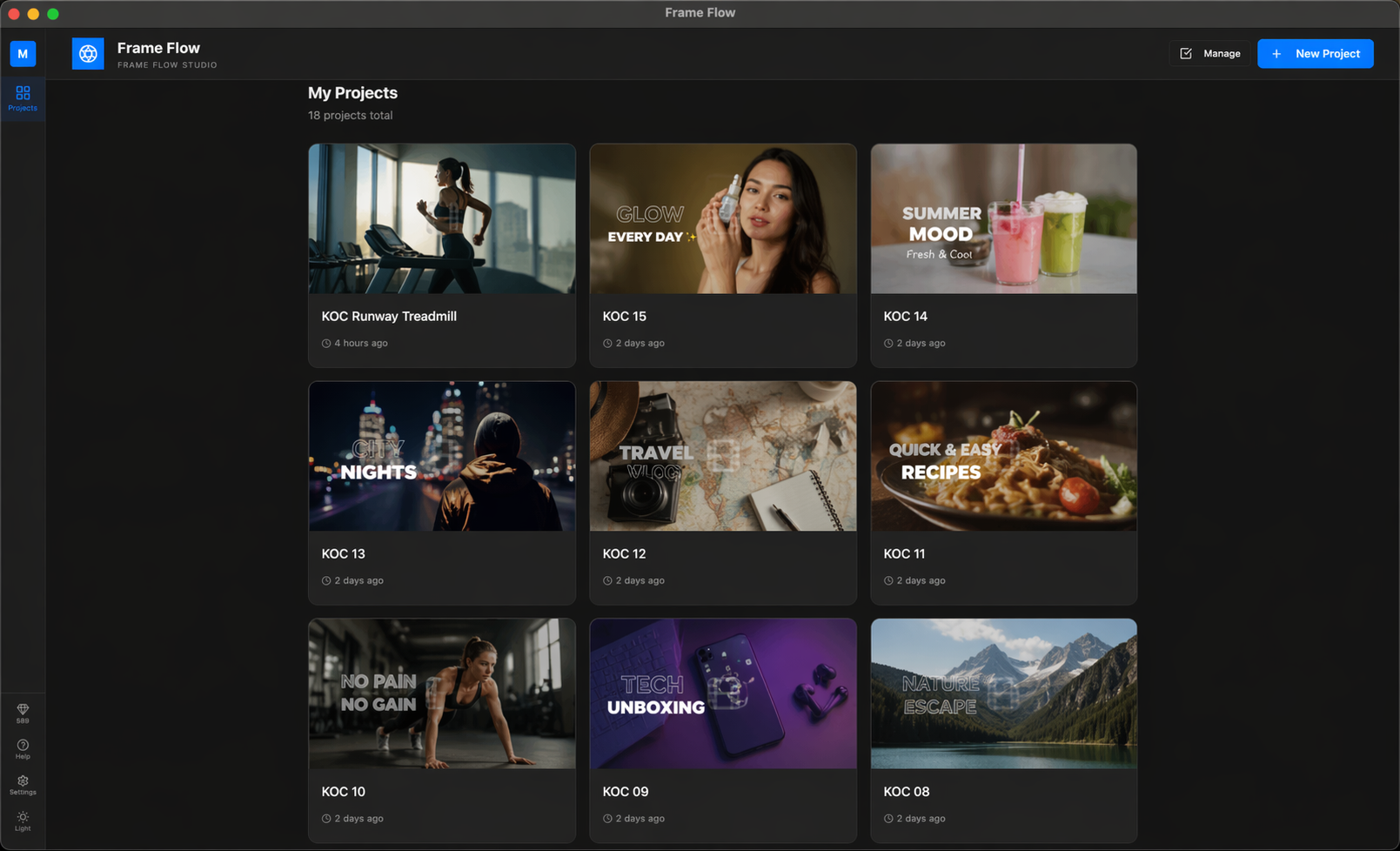
Multimodal Video Generation
Group storyboard scenes into coherent narrative videos with @Image / @Video / @Audio references and first-frame grid stitching.
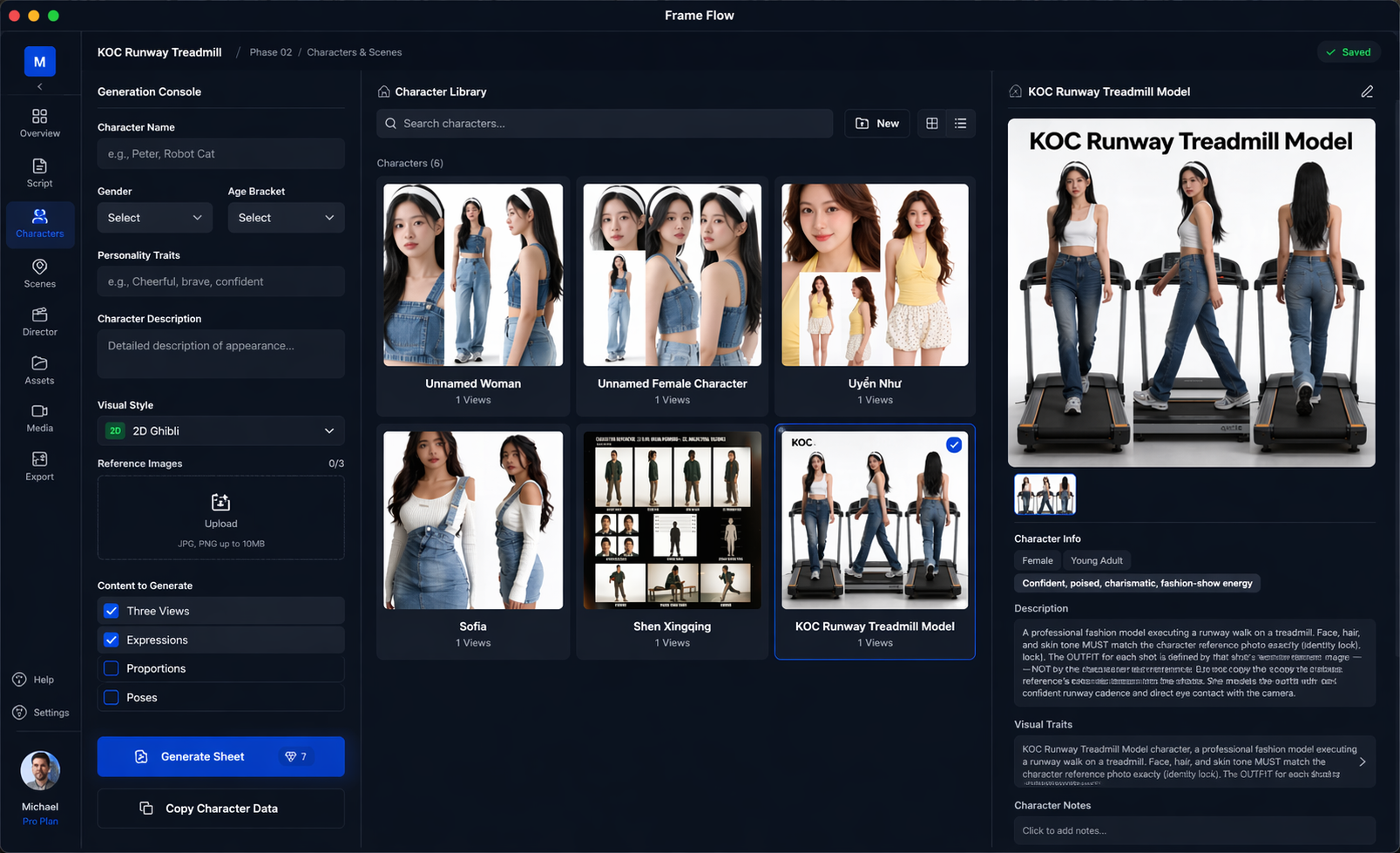
From raw script to structured storyboard
Auto-detects characters, locations, emotions, and camera language. Supports multi-episode / multi-act structures.
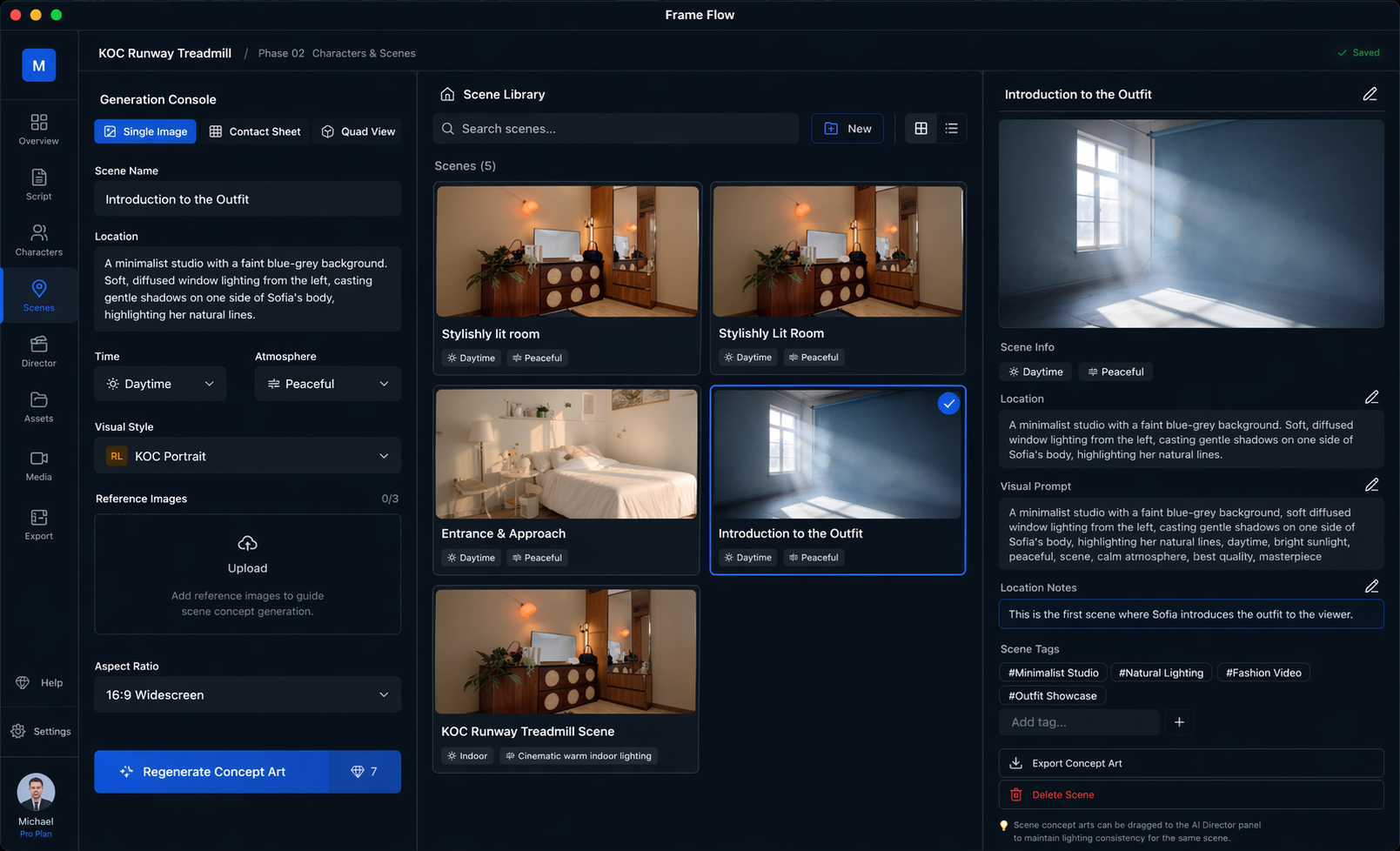
6-layer identity anchoring
Keep every character visually consistent across shots with a Character Bible and reference image binding.
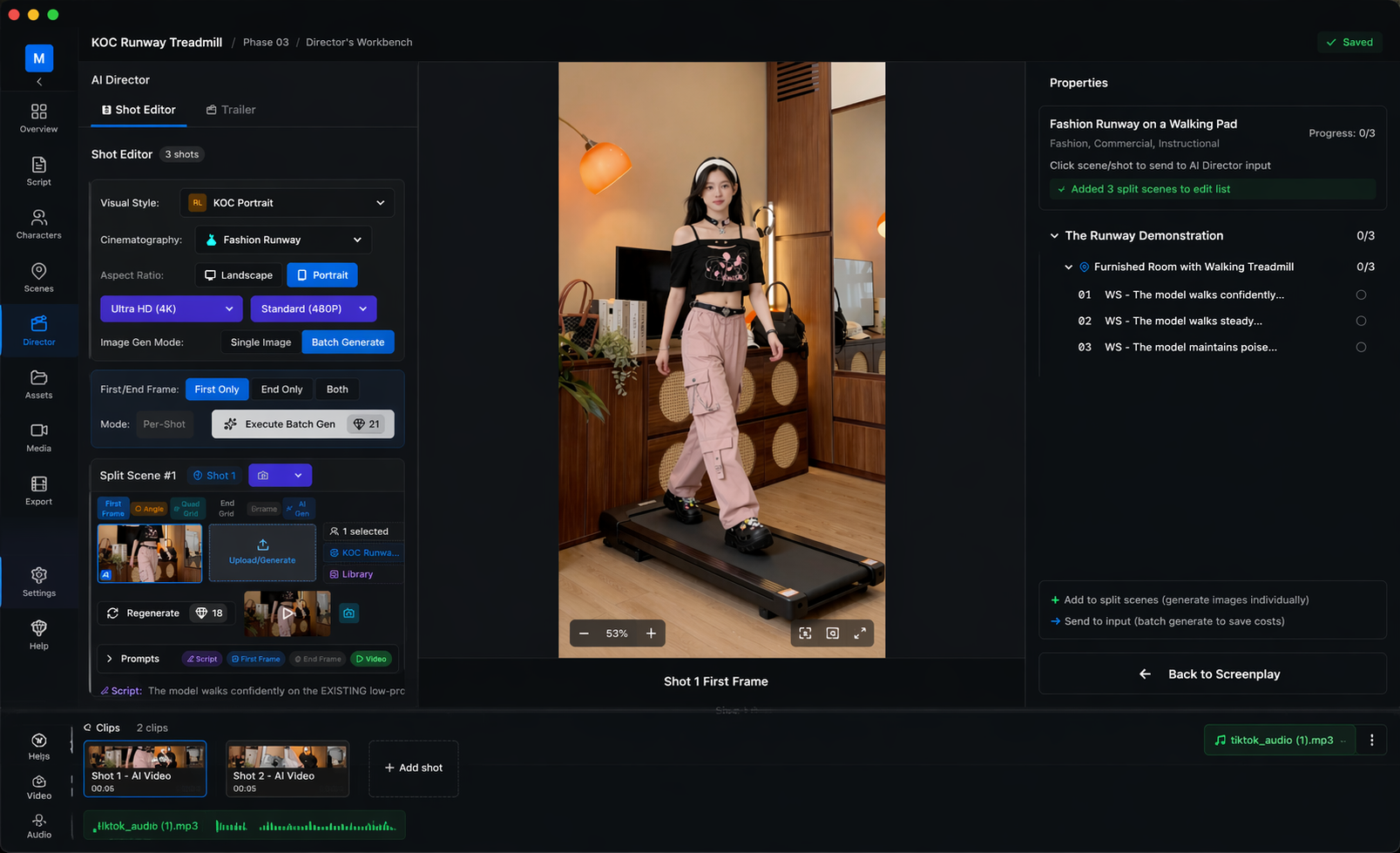
Multi-viewpoint scene generation
Auto-convert scene descriptions into visual prompts and generate joint multi-viewpoint images in one pass.
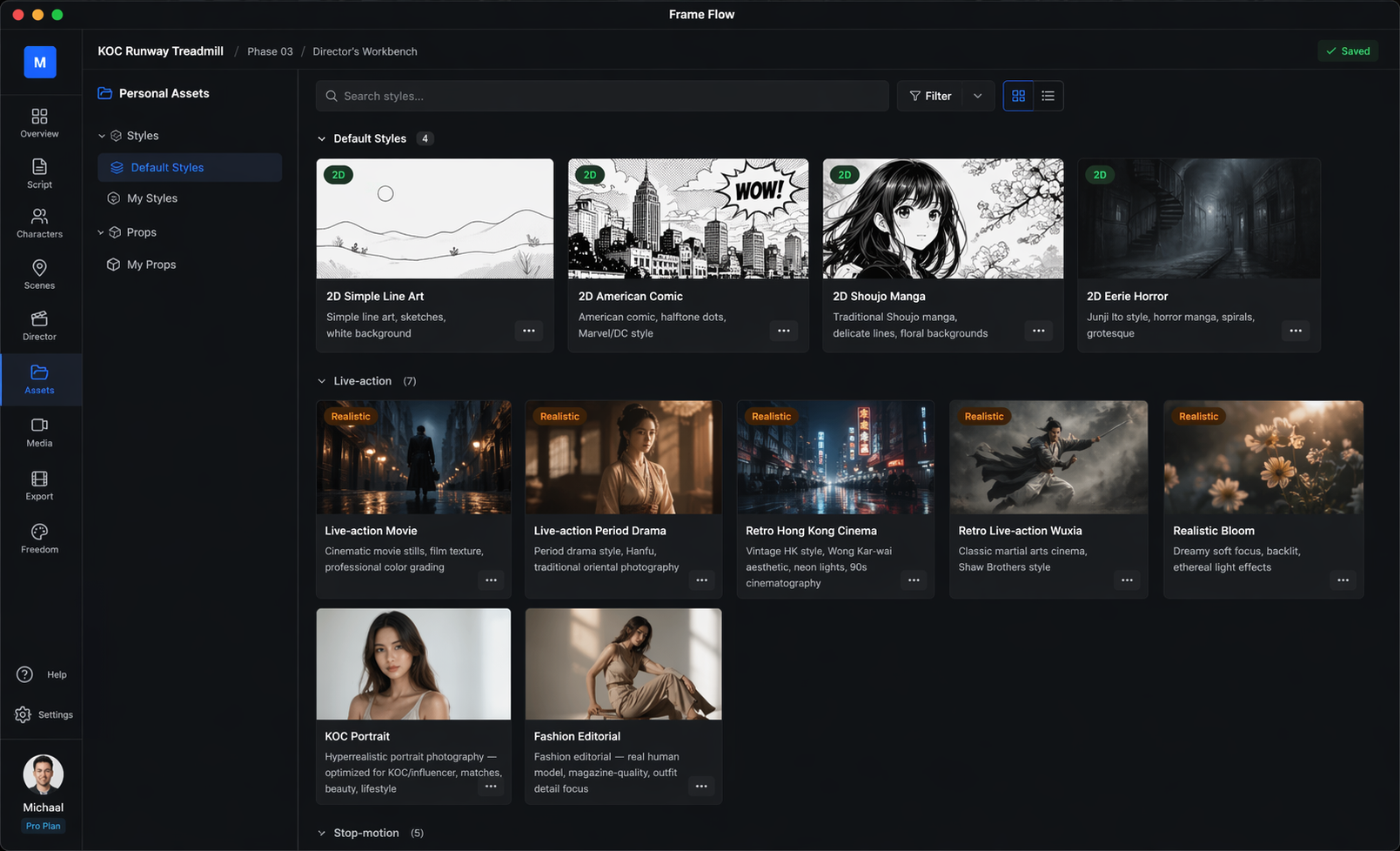
Professional storyboard system
Shot size, angle, movement — full cinematic camera control with one-click 2D / 3D / realistic / stop-motion style switching.
Download
Install Keng Studio on your machine.
A professional all-in-one cinematic pipeline. Enjoy built-in access to industry-leading AI models—no external API keys or complex configurations required.
macOS users: one extra step after install
Because we're not yet notarized by Apple, macOS Gatekeeper may block the app on first launch ("app is damaged" or "can't be opened"). After dragging Keng Studio to /Applications, run the command below in Terminal once to clear the quarantine flag.
xattr -cr /Applications/Keng\ Studio.app